
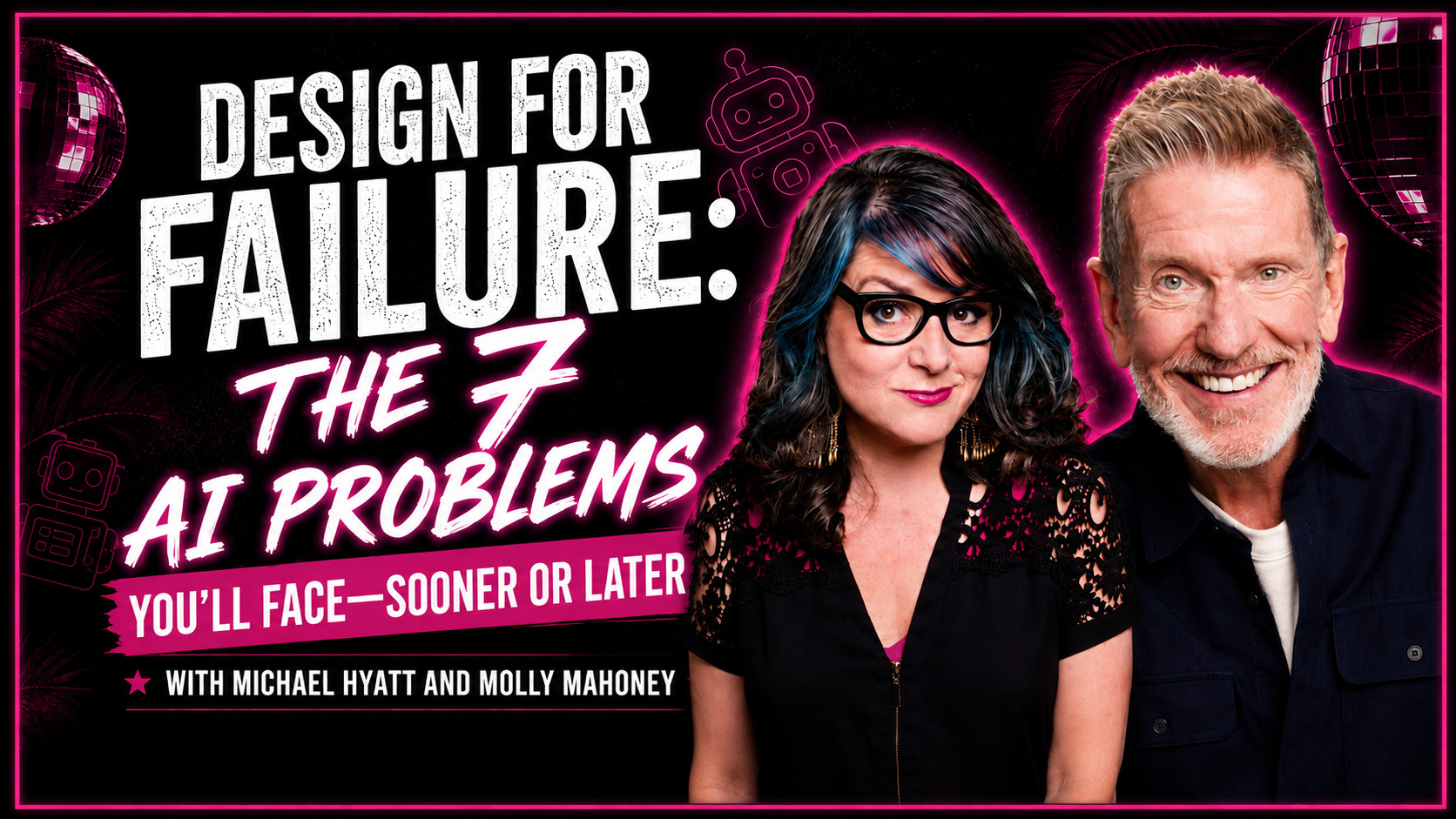

Why Does AI Break?
AI doesn’t break because it’s bad technology.
It breaks for five specific, repeatable reasons, and my friend Michael Hyatt named all five of them on a live call with our Multiply mastermind.
Michael is the founder and chairman of Full Focus. He’s scaled a $250 million publishing company with over 700 employees, and grown Full Focus itself over 60 percent a year for four years straight, landing on the Inc. 5000 fastest-growing companies list three years running and Inc.’s Best Workplaces list in 2020. He calls his framework Design for Failure. Five safeguards for using AI without losing control.
He built it after living through his own AI meltdown. One Sunday in April, he logged into Claude after church and found his scheduled tasks had failed to fire. He tried to troubleshoot with Claude. Nothing worked. Claude crashed. When he reloaded it, 22 projects, 12 scheduled tasks, and every chat he had were simply gone.
Anthropic support told him it was unrecoverable. He didn’t get an actual reply for 95 days. He got everything back himself in the meantime, through a hidden local backup folder and an old Backblaze cloud backup, but it cost him two days of panic and nearly a week before Claude was fully usable again.
Here’s what he taught us about why it happened, and what actually prevents it.
Who This Is For
This is for coaches, consultants, and entrepreneurs who already depend on AI for content, scheduled automations, or client work.
If AI going down for a day would actually hurt your business, keep reading.
Key Takeaways
- AI platforms slow down under load, especially right after a new model launches. Check the status page before you assume it’s your account, and keep a backup account or a tool like TypingMind ready.
- AI defaults to generic, robotic-sounding writing unless you give it real context and voice instructions. Michael scans for 29 recognizable AI patterns before anything he writes gets published.
- Your context, your knowledge, skills, and memories get trapped inside whatever platform you’re using unless you build a vault you own, outside any single AI tool.
- Scheduled automations can fail quietly. A task can technically run without completing its final step, and you won’t know unless something is watching it for you.
- AI never tells you when to stop. Michael’s fix is a hard stop time he’s held since 2002, long before AI existed, with someone else checking that he actually holds it.
Table of Contents
The 5 Reasons AI Breaks (And What Fixes Each One)
1. Platforms Slow Down, Especially After a New Model Launches
Michael went all in on Claude about a year ago after being a happy ChatGPT user, and it blew him away at first. But over time, particularly as new models get released, he found Claude would slow down to the point he couldn’t get any work done.
He posted about it once on X and got replies like “it’s working fine for me,” which left him wondering: is it me or the platform?
What fixes it:
Check the platform’s status page before you assume it’s you, status.claude.com, status.openai.com. Michael also keeps a second Claude account, and even a Teams account, so he can move to another AI without missing a beat.
He uses a tool called TypingMind, an aggregator that puts over a thousand models across 24-plus providers into one work environment, so if one goes down, he switches models and keeps working. He noted API access tends to go down less often than the desktop app.
2. AI Defaults to Generic Patterns Without Real Context
Michael read a sample of AI-generated text out loud on the call: “In today’s rapidly evolving business landscape, it’s not just about adopting new tools, it’s about fundamentally reimagining how work gets done. Let’s delve into what this means for your team.”
It’s easily detectable, and readers don’t like it.
His explanation for why AI defaults to that voice comes down to one thing: giving it real context and voice instructions instead of a bare prompt.
What fixes it:
He built a skill called the AI Tell Check that scans writing for 29 recognizable AI patterns before anything gets published.
A few he named directly: em dash autopilot, the compulsive rule of three (stacking triads like “faster, cheaper and more reliable”), the false binary (“not X, but Y,” as in “it’s not a technology problem, it’s a leadership problem”), thesaurus words like delve or robust, copula inflation (turning “is” into “serves as” or “stands as”), importance puffery (“marks a pivotal moment,” “stands as a testament”), superficial analysis (“highlighting the importance of”), glue word transitions that open every paragraph with moreover or furthermore, empty qualifiers like truly or simply, and the bow tie conclusion that wraps up with “in conclusion” or “the bottom line is.”
He said there are 19 more beyond the ones he named.
He gives the skill away free on GitHub, installable with a single prompt even if you’ve never touched GitHub, and he runs it on every single piece of content before it publishes.
This is also why he publishes a disclosure statement, “How I use AI in my writing,” on every newsletter and blog post at aibusinesslab.ai.
He wrote an article on it called “Why AI disclosure earns more trust than silence,” before Anthropic even announced it would start watermarking AI-generated content, and before tools like the Pangram Chrome extension started flagging AI use on webpages with no nuance for how the AI was actually used.
3. Context Gets Trapped Inside Whatever Platform You’re Using
This is the one Michael said matters most.
He described AI as a three-layer stack. Intelligence on top, meaning the LLM or agent itself, swapped out constantly as better ones launch, sometimes multiple times a day. Hardware on the bottom. And in the middle, the layer every major AI company- Claude, ChatGPT, Grok, Gemini, is racing to lock you into. Your context vault, your knowledge, your skills, and your memories.
He put it plainly. That vault is your single most important asset, corporate and personal, and it’s what makes your use of AI uniquely yours. Years before AI existed, in his book Platform, he wrote “don’t build your house on a rented lot.”
On the call, he extended that line directly. Don’t build your context vault on a rented lot either.
What fixes it:
Michael keeps his vault in Obsidian, plain text Markdown files that live on his own hard drive instead of inside any single AI platform. He deleted his skills out of Claude entirely.
A file he calls bootstrap.md runs across every AI he uses each morning, telling it the vault is the single source of truth, to review the last few days of logs, and to pick up where things left off. He wears a Limitless recorder around his neck that’s logged his conversations daily for over a year, feeding a daily journal entry back into the vault.
He also buys his books through Kobo instead of Kindle, converts them to Markdown with a skill he built, and adds them to the same vault so his research library lives in one place he controls.
He also mentioned he’s building a separate app, Coliva, meant to add a governance layer on top of a system like this for teams, so skills and memories can sync back to a local drive on a set schedule and be shared with specific people instead of everyone getting everything at once. It’s in a waitlist stage.
4. Automations Fail Quietly Instead of Loudly
Michael runs a scheduled task called a commitment sweep every morning at 6 am, checking his email, Slack, iMessages, and WhatsApp for anything he committed to doing, so nothing slips. Most days it works. Occasionally it doesn’t, and there’s no alert, it just quietly doesn’t happen.
I mentioned on the call that I’ve seen the same thing with my own team’s AI setup. My AI director noticed a task had technically run, but it hadn’t actually delivered the final step to Slack.
Same silent gap, different system.
What fixes it:
Michael built a second scheduled task whose only job is watching the first one. Once an hour, it checks whether his other tasks fired and completed in the last 60 minutes. If one failed, it retries automatically.
If it can’t fix it, it texts him directly, tells him what broke, and what he needs to do about it.
He noted Claude added the option to run tasks in the cloud, so they keep going even when his laptop is closed. About once every ten days, he gets a message telling him something quietly failed and either got handled or needs his attention.
5. AI Never Tells You to Stop
This one isn’t a technical problem. Michael said it directly. There’s always one more prompt, one more improvement, one more agent to build. AI never runs out of ideas.
What fixes it:
His answer predates AI by over 20 years. Back in 2002, his first executive coach noticed he was getting to the office around 5 am, staying late, and reopening his laptop after dinner. The coach asked him to set a hard boundary, a specific time he’d actually close the laptop. Michael picked 6 pm.
He also agreed to stop working weekends, something he and his fellow executives had normalized for years, and to stop sneaking in email before his family woke up on vacation. Then his coach told him he’d be calling Michael’s wife, Gail, periodically to check whether he actually held the line.
That accountability, not willpower, is what made it stick, and it’s the same boundary he still holds today.
Michael’s 5 Safeguards At a Glance
1. Platform slowdown → Check the status page, keep a backup account. Status.claude.com, status.openai.com, plus a second account or a tool like TypingMind.
2. Generic AI voice → Run an AI Tell Check before publishing. Scan for the 29 patterns, and publish a disclosure statement.
3. Lost context → Build a vault outside any single platform. Knowledge, skills, and memories, kept in something like Obsidian, with a daily bootstrap file pointing every AI back to it.
4. Silent automation failure → Build a watchdog task. A task that checks whether your other tasks actually ran and actually finished, and tells you when one didn’t.
5. AI never stopping → Set a hard stop, with a witness. A specific time you close the laptop, and someone who actually checks whether you held it.
Catch the REPLAY of the LIVE
Frequently Asked Questions
Why does Claude or ChatGPT slow down sometimes?
Michael’s experience points to platform load, especially right after a new model launches. Check the platform’s status page before assuming the problem is on your end.
What is a context vault?
It’s a place outside any single AI platform where you keep your knowledge, skills, and memories. Michael keeps his in Obsidian, in plain text Markdown files on his own hard drive, so no single AI platform going down takes his context with it.
What are AI tells?
Recognizable patterns that make writing sound like AI instead of a person. Michael named several on the call, including em dash overuse, the “not X, but Y” false binary, and conclusions that open with “in conclusion” or “the bottom line is.” He built a skill that scans for 29 of them before he publishes anything.
Can a scheduled AI task fail without me knowing?
Yes. Michael’s own commitment sweep occasionally ran without completing its final step, with no alert. That’s why he built a separate watchdog task to check on it hourly.
What did Michael do to stop overworking with AI?
He set a hard stop time, 6pm, a practice he adopted in 2002 on his executive coach’s advice, long before AI existed. The coach also checked in with Michael’s wife to make sure he actually held the boundary, and that accountability is what made it last.
Should I have an AI disclosure statement?
Michael does, on every newsletter and blog post, explaining exactly how he uses AI in his writing. He published his reasoning in an article called “Why AI disclosure earns more trust than silence,” ahead of Anthropic’s own announcement that it will start watermarking AI-generated content.
Recommendation
You can’t stop AI from failing eventually. You can decide now which of these five you’re most exposed to.
If your business runs on scheduled automations, build the watchdog first. If you’re publishing content regularly, build the vault first. Either way, pick one this week.
Final Summary
AI breaks for five specific reasons. Platforms slow down after new launches. AI defaults to generic patterns without real context. Your context gets trapped inside whatever platform you’re using. Automations fail without telling you. And AI never signals when to stop, so you have to.
Michael built every one of these safeguards after losing something first. You get to build yours before you do.
Grab Michael’s Resources
Michael walked our Multiply group through all of this live, then handed us a gift on the way out. Ninety days free on his paid newsletter and AI Business Lab Insider.
Use code MOLLY100 at checkout.

Leave a Reply